



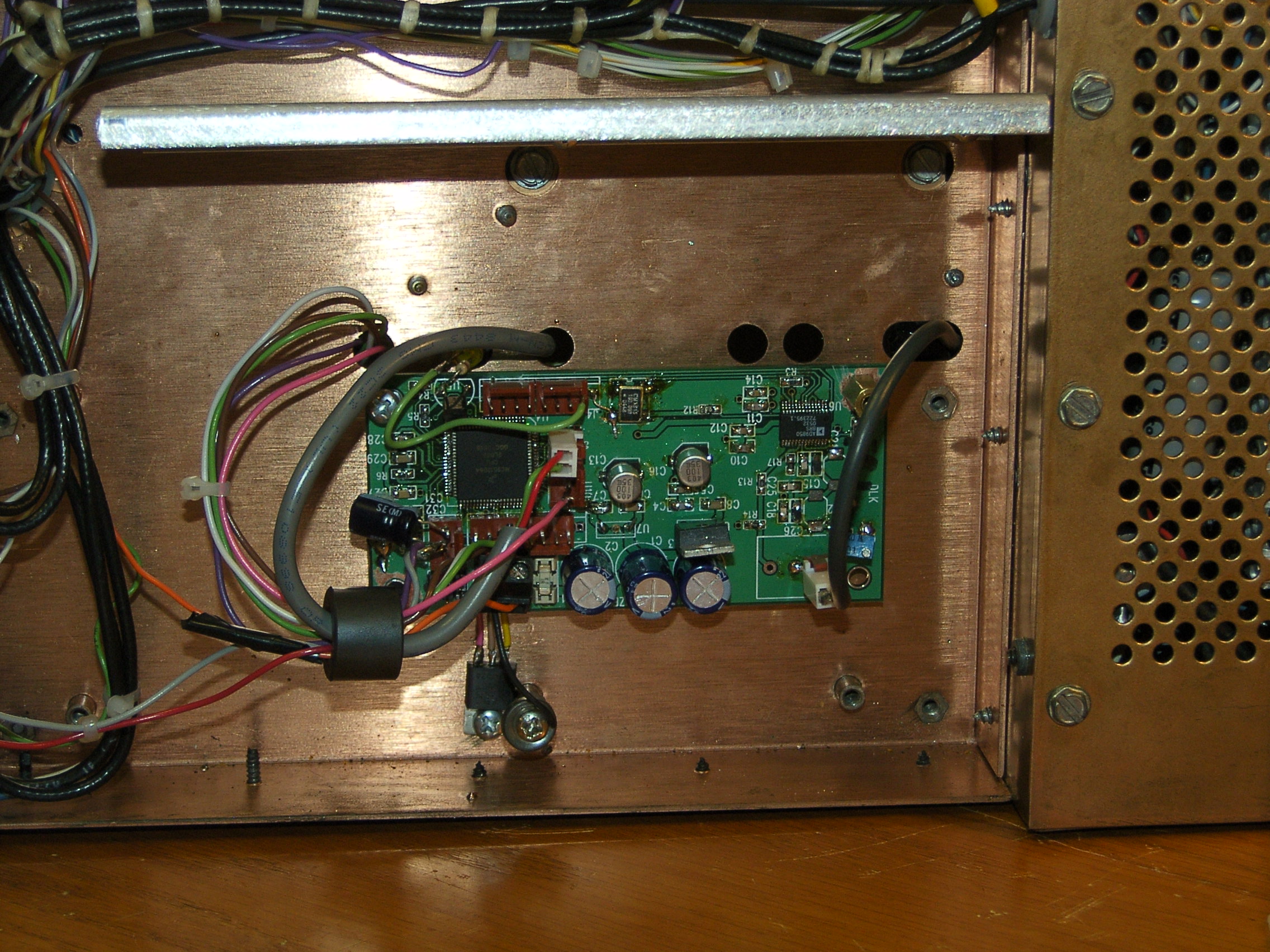
An idiots guide to SSB generation, via the FILTER method:
1) Apply audio and an IF sine wave into a balanced modulator. We not only want to mix the audio and IF to produce an audio modulated IF signal, but eliminate the carrier (the RF envelope generated when the transmitter is active, even when there is no audio present) by balancing out the audio modulated IF signal sent to the LO mixer. The idea is to have no output signal if your not talking.
2) Now you have a DSB (double sideband) signal in which the audio modulated IF signal only appears at the input of the LO mixer when you apply audio (i.e. talk into the mic). If you keep your IF freq at the center of the IF filter, any AM radio can properly detect your audio signal, since AM is DSB with a carrier all the time.
3) In AM, the carrier is in the center of the IF crystal filter and allows audio signals both above and below the IF center freq. In SSB there is no carrier, so a phantom carrier IF freq is located on either the low edge or upper edge of the selected IF filter. The idea is to use the crystal filter to allow audio signals either above or below the phantom carrier freq, but not both.
This example is for a 4Khz wide 8.830MHz crystal filter
Lower edge Filter center Upper edge
IF 8.828 ________ AM IF 8.830 ____ ___ IF 8.832
|| -2khz AM Passband center 2khz ||
|| 4khz USB signal between the lines 0hz || <-phantom carrier point
Phantom carrier -> || 0hz LSB signal between the lines 4khz ||
4) This method requires that the LO freq be adjusted to the IF freq your using. That is the RF freq. of interest is obtained by selecting a LO freq = IF (carrier or phantom carrier freq) + the RF freq.
5) Shifting the IF freq, shifts the phantom carrier freq, which in turn moves the audio passband.
With a USB signal, moving the IF up in freq. will raise the freq. response audio received because your moving your virtual 0 HZ audio point (phantom carrier point) away from the actual received audio signal. Moving the RF up in freq will lower the freq. response audio received because your moving the received signal back towards the 0Hz audio point (phantom carrier point), or maybe even past.